
Field medicine for crews who lose signal, not standards. Offline-first protocols, dosing, and forms for wildland fire, EMS, and tactical medics.
Why it exists
Built by people who've run the calculator with no bars and no time.
Res-Q-Ruck comes out of Peninsula Threat Management, run by operators with backgrounds in wildland response, tactical medicine, and executive protection. It was built because the tools available in the backcountry were either mapping software with no medicine in it, or medical references that assumed you had a signal.
Every protocol, dosing figure, and form in the app is built to be exactly right when you have no way to double check it against anything else — because on a fire line or a stack entry, you usually don't.
The field app
Everything a medic or crew member needs on scene, built to work with no connectivity.
Clinical reference
A searchable library of medical treatment protocols and guidelines, available with the app closed to signal entirely.
Weight- and age-based medication dosing calculators, with citation links to the source guideline shown alongside every figure.
Step-by-step guided clinical decision trees for common field scenarios, with a medical citation shown at every step.
Reference guides for clinical procedures you may not run often enough to have memorized cold.
A mass-casualty-incident triage tool for sorting patients quickly under a START/SALT-style framework.
Backcountry and survival reference material for the parts of the job that aren't strictly clinical.
Situational awareness
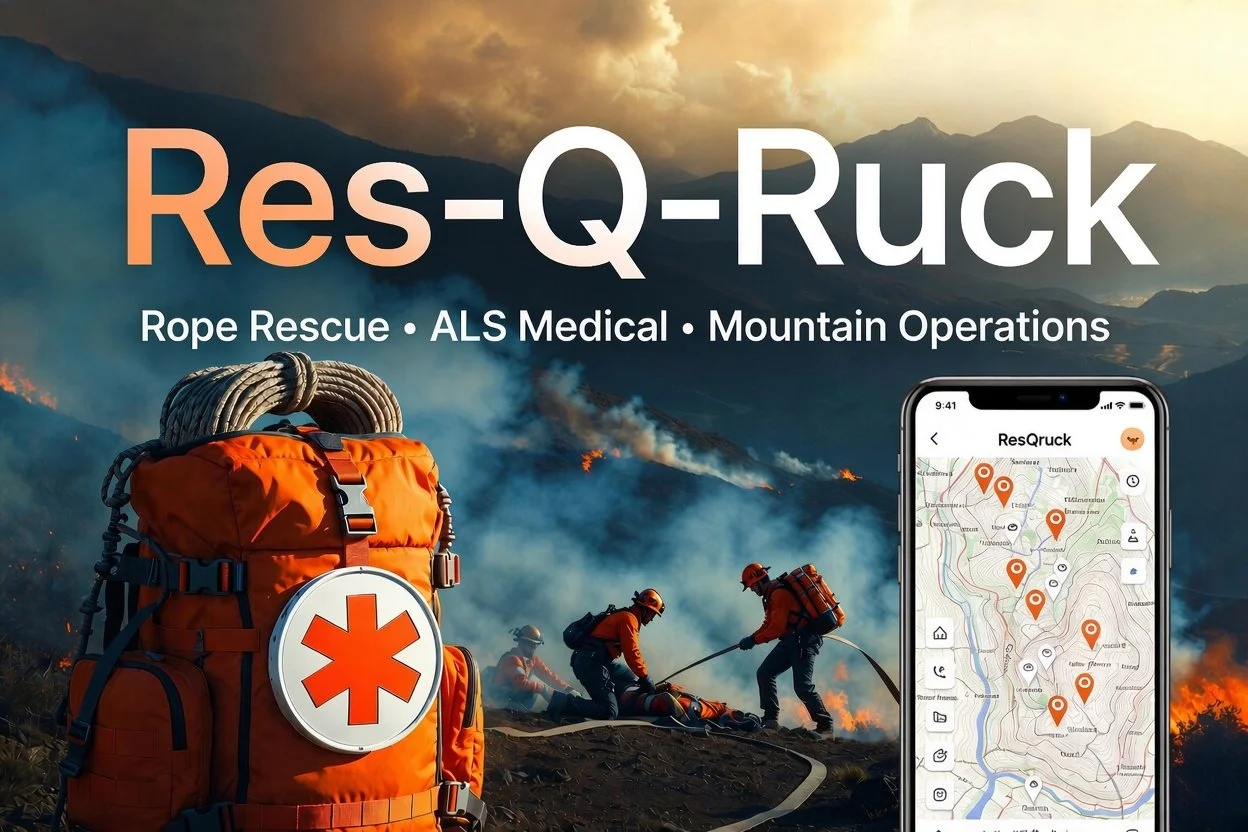
Live GPS position, custom markers and zones, a distance-measuring tool, and georeferenced wildfire perimeter overlays sourced from wildfire.gov.
Team-level coordination and mission-assignment view for staying aligned with the rest of the crew.
A pre-mission readiness checklist to run before you're out of reach of the truck.
A map snapshot plus one-tap shortcuts to Protocols and the 8-Line form, visible without opening the app. Available on Android now, iOS in progress.
Paperwork & records
Build and manage patient care reports in the field, from first contact through handoff.
The medical evacuation "8-line" report and ICS 206WF Medical Incident Report form, with map-based location capture for evac coordination.
Fillable, finger-signable PDF forms — Shift Ticket (OF-297), Crew Swap, Activity Log (ICS 214), Radio Comms Plan (ICS 205), General Message (ICS 213), and Crew Time Report (SF-261) — built to match the official layouts block-for-block, and emailable straight from the app.
Secure on-device storage for certifications and credentials you need to produce on short notice.
For dispatch & incident command
The Command Console
A separate desktop app for Windows and macOS. While field teams run the app above, command staff run this — with a live view of every team, every form, and every asset tied to the active incident.
Incidents
Create and manage active incidents. The active incident carries through every other tab in the console.
Live Map
Real-time field team positions and map activity for the incident you're running.
Roster
Manage the personnel assigned to an incident from one place.
Assets
Track equipment and resource inventory alongside your people.
Deployment Orders
Upload and manage deployment orders, pushed directly to field devices.
Forms archive
Every Shift Ticket, Crew Swap, SF-261, ICS 214/205/213, and 8-Line populates here automatically the instant it sends — including after an offline retry — so there's a live paper trail without anyone forwarding anything by hand.
Reports
A consolidated view of patient and incident reporting across the team.
Access Requests
Approve and manage who has access to a given incident.
Protocols
Push updated medical protocols and reference content out to every field device at once.
What happens when you fill out a form with no signal
This is the same behavior across every form and report in the app — nothing waits on a connection, and nothing gets lost when there isn't one.
Fill it out
Complete the form and sign it with a finger, same as on paper. No connection required at any point.
Send
Hit send. If there's no signal, the app tells you plainly: queued, will send once connected.
It waits locally
The completed form stays on the device, ready to go, until a connection comes back.
It sends automatically
The moment connectivity returns, it sends on its own and appears in the Command Console's forms archive — no one has to remember to forward it.
Common questions
Does Res-Q-Ruck work with no cell signal?
Yes. Protocols, dosing calculators, maps, decision trees, and forms all work fully offline. Anything that needs to transmit — a form, a report — queues on the device and sends automatically the moment a connection is available. Nothing is lost to a dead zone.
Where do the dosing figures and protocols come from?
They're sourced from recognized field-medicine authorities — Tactical Combat Casualty Care (TCCC) and AHA ACLS guidelines — with a named medical director attribution and a verifiable citation shown alongside every dosing figure and decision-tree step.
Are the ICS and NWCG forms actually valid for submission?
Every incident-command form in the app — the 8-Line/206WF, Shift Ticket (OF-297), Crew Swap, Activity Log (ICS 214), Radio Comms Plan (ICS 205), General Message (ICS 213), and Crew Time Report (SF-261) — is built to match the official published PDF layout block-for-block, including finger-drawn signature blocks embedded directly into the generated PDF.
What's the difference between the field app and the Command Console?
The field app is what medics and crew members carry — protocols, calculators, maps, and forms, built for iOS and Android. The Command Console is a separate desktop app (Windows and macOS) for dispatch and incident command, giving them a live map of field teams and an automatically populated archive of every form sent from the field.
Do I need the Command Console to use the field app?
No. The field app is fully usable on its own. The Command Console adds value for teams that have a dispatch or incident-command function tracking multiple field users on an active incident.
Which platforms are supported?
The field app runs on iOS and Android. The Command Console runs on Windows and macOS. A home-screen widget with quick access to Protocols and the 8-Line form is available now on Android, with iOS support in progress.
Who is Res-Q-Ruck built for?
Wildland fire crews, EMS, and tactical medics operating in the backcountry or in other environments with unreliable connectivity — anywhere the standard is real field medicine and real paperwork, not an approximation of either.
I still need help — how do I get support?
Use the contact section below. Include your platform (iOS, Android, Windows, or macOS) and, if it's an issue with a specific form or protocol, which one — it helps us get back to you with an actual answer on the first reply.
Next up: knowing where your gear is, not just your people
We're extending the platform beyond team position to cover the equipment teams stage and stack in the field — medical bags, AEDs, litters, and other gear that has a way of ending up somewhere other than where you left it.
The approach avoids putting a cellular or satellite subscription on every single item. Instead, small battery-powered tags attach to your gear and report their position over a private, low-power wireless link back to a home base node set up at your vehicle or incident base — which then relays everything up to the Command Console over a Starlink connection, so command staff get an asset map alongside the team map they already have.
- Gear tagsLightweight, long-battery-life trackers you attach to the assets that matter most.
- Home base nodeA field-deployable relay that collects tag positions locally, no cell coverage required at the tag level.
- Command Console integrationTagged assets show up in the existing Assets tab, tied to the active incident.
Need help with the app?
For account access, form submission issues, or anything not covered above, email support directly — include your platform and, if relevant, the org account you're on.
Email support